Foundations
Incident Communication: Why Transparency is your Best Uptime Tool
Don't hide from your users during an outage. Learn how to use status pages and automated updates to build trust and reduce support tickets when things go wrong.
By Watch Dog TeamPublished May 30, 202510 min read
The Anatomy of Silence
Symptom Log
support_inbox_horror.txt
[14:05] Tiket #991: SITE IS DOWN.
[14:06] Ticket #992: CAN'T LOG IN.
[14:15] Ticket #1050: I'M LEAVING TO A COMPETITOR.
# Total Support Overload.
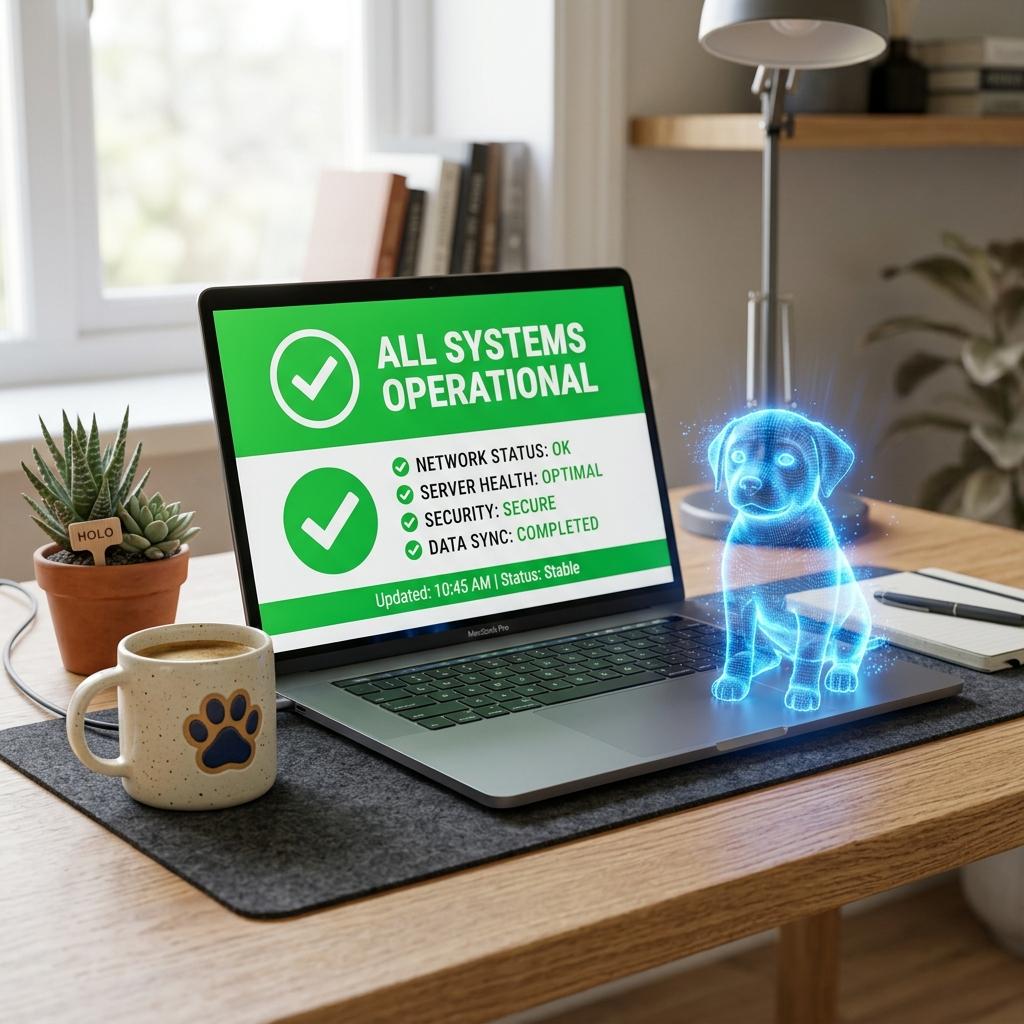
In a crisis, the most expensive thing you can do is 'Say Nothing.' If a user encounters an error and your 'Status Page' still says 'All Systems Operational,' you have just destroyed your credibility.
Proactive communication—even if you don't have a fix yet—tells your users: 'We know, we are working on it, and we care.'
The Trust Automator
Watch.dog Public Status Pages can be configured to auto-update. If our monitors detect a 15-minute outage, your status page turns 'Yellow' or 'Red' automatically, before your support team even gets paged.
Fix Verification
status_page_success.log
[WATCH.DOG] Event: Major Outage.
[ACTION] Updating status.io/your-app to 'DEGRADED PERFORMANCE'.
[BANNER] 'We are investigating an issue with our login API.'
[SUCCESS] Ticket volume decreased by 75% compared to last week.
Historical Proof
Status pages aren't just for today. Your 'Uptime History' is a proof of life for your enterprise customers during their quarterly reviews. Use Watch.dog to showcase your 99.99% success rate.
Incident Communication Checklist
| Phase | What to say | Watch.dog Level |
|---|---|---|
| Detection | We are investigating... | Auto-Post Status |
| Update | Found the shard issue... | Manual Narrative Update |
| Post-Mortem | Here is what we learned... | Rich Event History Export |
Trust is hard to earn and easy to lose. A status page is your most powerful insurance policy.