Foundations
Customer Journey Monitoring: Verifying the Critical Path
Stop checking single URLs and start checking full user journeys. Learn how to use Watch.dog to simulate complex multi-step transactions like login, search, and checkout to ensure your business logic is always healthy.
By Watch Dog TeamPublished September 5, 202413 min read
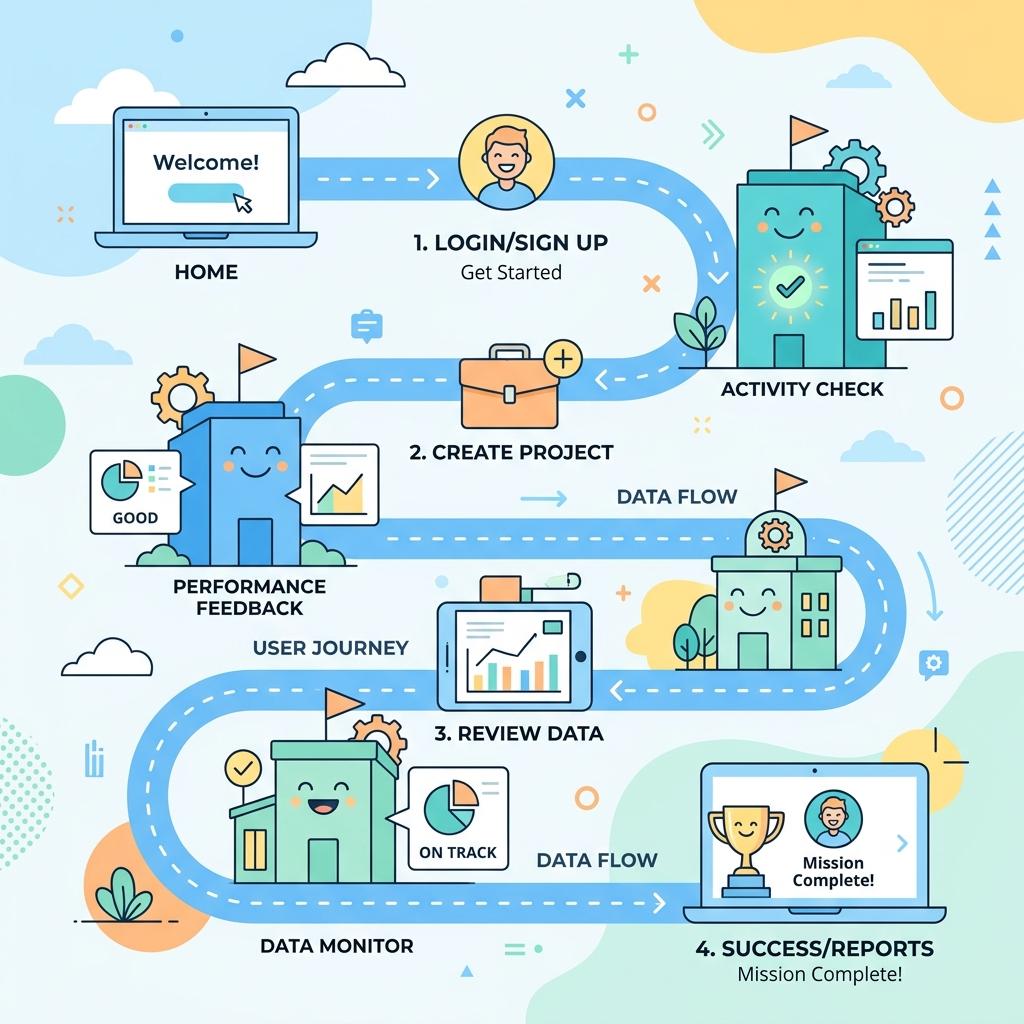
The Illusion of Health
Symptom Log
journey_fail.log
[STEP 1] Landing Page: 200 OK.
[STEP 2] Add to Cart: 200 OK.
[STEP 3] Checkout Start: 200 OK.
[STEP 4] Submit Payment: 500 ERROR (Stripe-Auth-Failure).
# RESULT: The business is losing money despite 'Green' pings.
Traditional monitoring pings individual pages. But for an e-commerce site, 'Uptime' means a user can: 1. Land on the site, 2. Add to cart, 3. Enter credit card, and 4. Receive confirmation.
A system can have 100% individual page uptime but 0% 'Journey Uptime' if the connection between the Cart and the Payment gateway is broken.
The Multi-Step Monitor
Use Watch.dog Transactional Flows. We simulate a real browser interaction, performing all the steps of a user journey and alerting you if and ONLY IF the entire business goal is achieved.
Fix Verification
journey_success.log
[WATCH.DOG] STARTING JOURNEY: 'Elite-Purchase-Flow'.
[INFO] Step 1-3 Completed in 4s.
[INFO] Step 4 Payment ACK received.
[SUCCESS] Critical path verified. Revenue generation is stable.
Prioritizing the Flow
In SRE, we call this the 'User Experience Uptime.' Watch.dog's multi-step monitors provide the ultimate peace of mind for SaaS founders and e-commerce managers.
Journey Health Matrix
| User Path | Criticality | Watch.dog Level |
|---|---|---|
| Login -> Dashboard | CRITICAL | 3-step Verification |
| Search -> Product Page | HIGH | Performance Audit |
| Password Reset Flow | MEDIUM | Weekly Integrity Check |
| Subscription Upgrade | CRITICAL | Daily Transaction Drill |
Don't monitor pages; monitor the promises you made to your customers.