Foundations
Latency Budgets: Defining the Speed of your Reputation
Learn how to establish and monitor latency budgets for your microservices. Discover how Watch.dog identifies which service is 'spending' too much time and impacting your user experience.
By Watch Dog TeamPublished April 5, 202511 min read
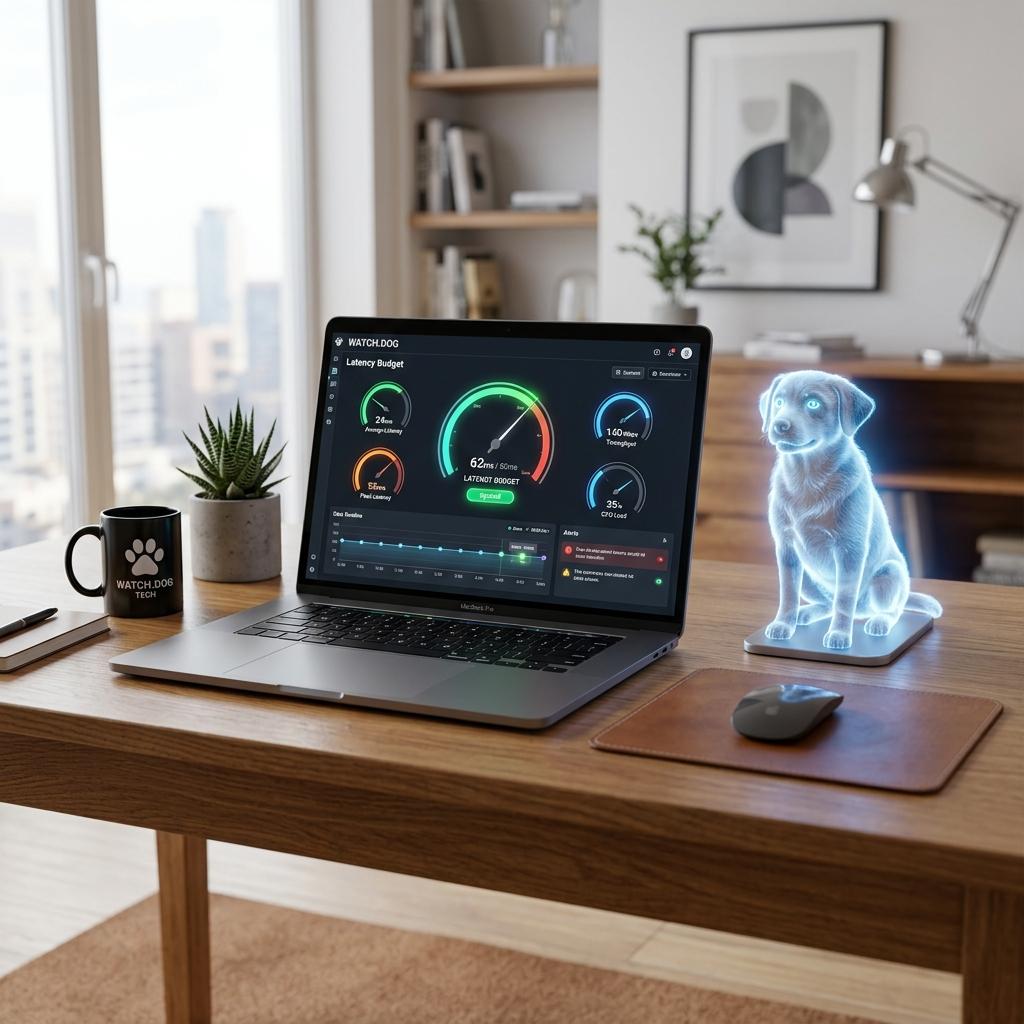
The Cumulative Delay Trap
Symptom Log
latency_breakdown.log
[TOTAL BUDGET] 1000ms
[Auth Service] 150ms (OK)
[Inventory Service] 200ms (OK)
[Payment Gateway] 850ms (OVER BUDGET!)
# RESULT: User experience failed due to Payment delay.
In a microservice architecture, a single user request might trigger 10 internal API calls. If each internal call takes 'just' 200ms extra, the user experiences a 2-second delay. This is a Latency Budget failure.
A Latency Budget defines the maximum time each component is allowed to use. If a component exceeds its budget, it's considered 'Degraded' even if it returns a 200 OK.
The Latency Sentinel
Configure Watch.dog P99 Thresholds for each microservice. Our system identifies and alerts you on the specific service that is 'poisoning' your global latency before it impacts your Lighthouse score.
Fix Verification
latency_optimized.log
[INFO] Watch.dog: P99 Latency Audit.
[NODE-A] 45ms. [NODE-B] 110ms.
[STATUS] Global budget 500ms maintained.
[SUCCESS] Systems aligned with performance goals.
SLA vs SLC
Use Watch.dog to monitor your Service Level Objectives (SLOs) specifically for latency. If your latency budget is $100 per day, don't let a slow Shard steal your customers' time.
Latency Budget Allocation
| Service Type | Target (P90) | Watch.dog Action on Breach |
|---|---|---|
| CDN / Edge | < 50ms | Purge Cache / Reroute |
| API Core | < 200ms | Alert / Triage |
| Database Read | < 50ms | Index Audit |
| Third-Party API | < 500ms | Circuit Breaker Trigger |
In a digital world, an extra 500ms is a 20% drop in conversion.