Foundations
CI/CD Uptime Safeguards: Ensuring Staging Success Before Production Outages
Don't let a bad deployment break your production. Learn how to integrate Watch.dog into your CI/CD pipelines to automatically verify rollouts and trigger rollbacks.
By Watch Dog TeamPublished August 10, 202512 min read
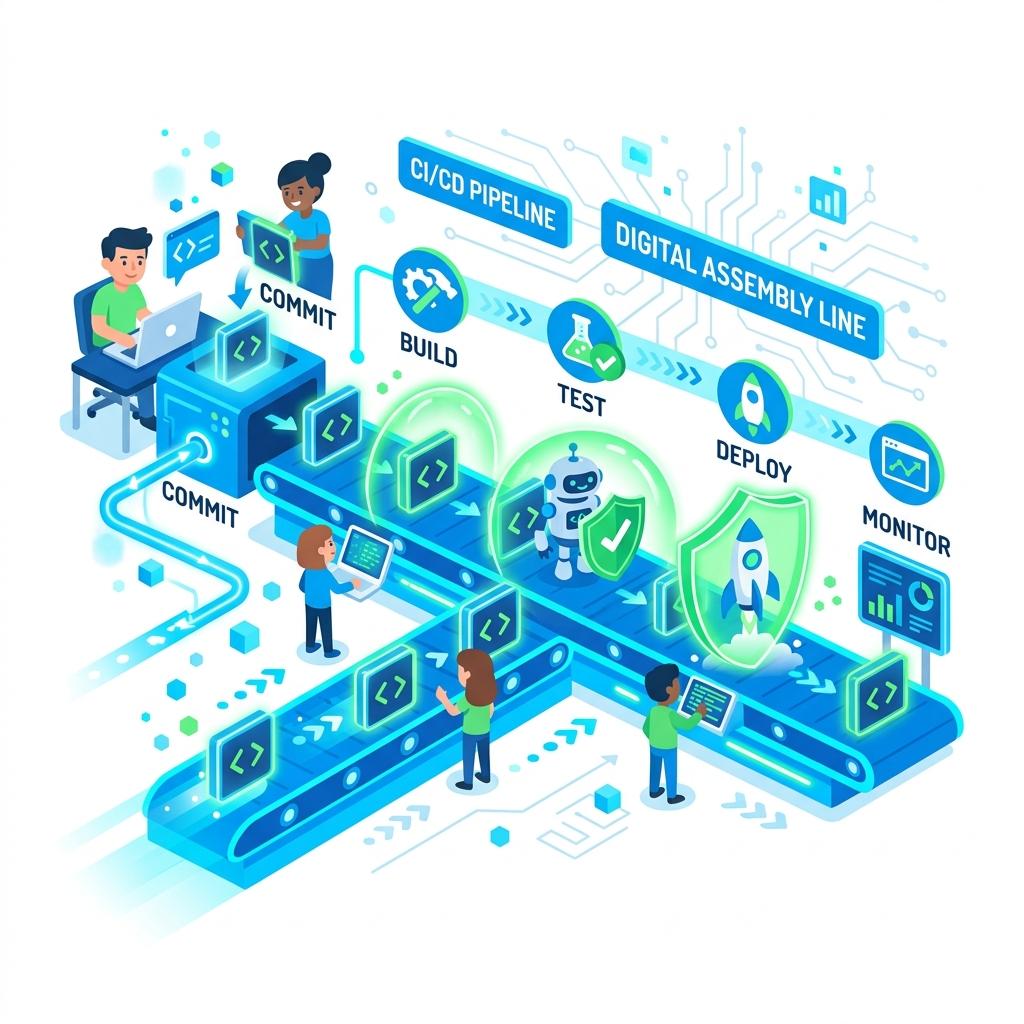
The False Success Trap
Symptom Log
pipeline_fail.log
[PIPELINE] Unit Tests: PASS.
[PIPELINE] Build Image: SUCCESS.
[PIPELINE] Deploy to Prod: DONE.
# 5 MINUTES LATER...
[MONITOR] Critical: Main landing page returning 404 (Missing CSS bundle).
Common CI/CD pipelines end when the container is deployed and the health-check returns 'Success.' However, many issues (like broken third-party APIs or frontend assets) only appear when the site is hit from the public internet.
Relying solely on internal unit tests is like checking an airplane's engine while it's still in the hangar. You need a test flight.
Fix: Post-Deployment Verification
Add a Watch.dog API call at the end of your pipeline. Our system will perform a global synthetic check and returned a fail code if the new version is unreachable, triggering an automatic rollback.
Fix Verification
watch_dog_verifier.sh
[WATCH.DOG] STARTING POST-DEPLOY CHECK...
[CHECK] CSS Bundle Loaded: YES.
[CHECK] Checkout API: 200 OK (200ms).
[SUCCESS] Deployment Verified. Proceeding with 100% traffic shift.
Automated Rollbacks
The fastest MTTR (Mean Time to Recovery) is achieved through automation. When Watch.dog detects a failure after a deployment, it can signal your CI/CD tool to instantly revert to the previous stable version.
Pipeline Safety Matrix
| Stage | Manual Risk | Watch.dog Guardrail |
|---|---|---|
| Staging Deploy | Silent Failures | Immediate Alert on Uptime Change |
| Production Rollout | High User Impact | Region-by-Region Smoke Tests |
| Post-Rollout | Stale Cache Issues | CDN Flush + Global Verification |
In modern DevOps, the pipeline is not finished until the monitor says so.