Foundations
API Rate Limiting: Preventing Exhaustion Attacks and Traffic Spikes
Learn how to use Rate Limiting to protect your API uptime. Discover how Watch.dog helps you identify abusive clients and monitor your 429 error rates in real-time.
By Watch Dog TeamPublished December 10, 202411 min read
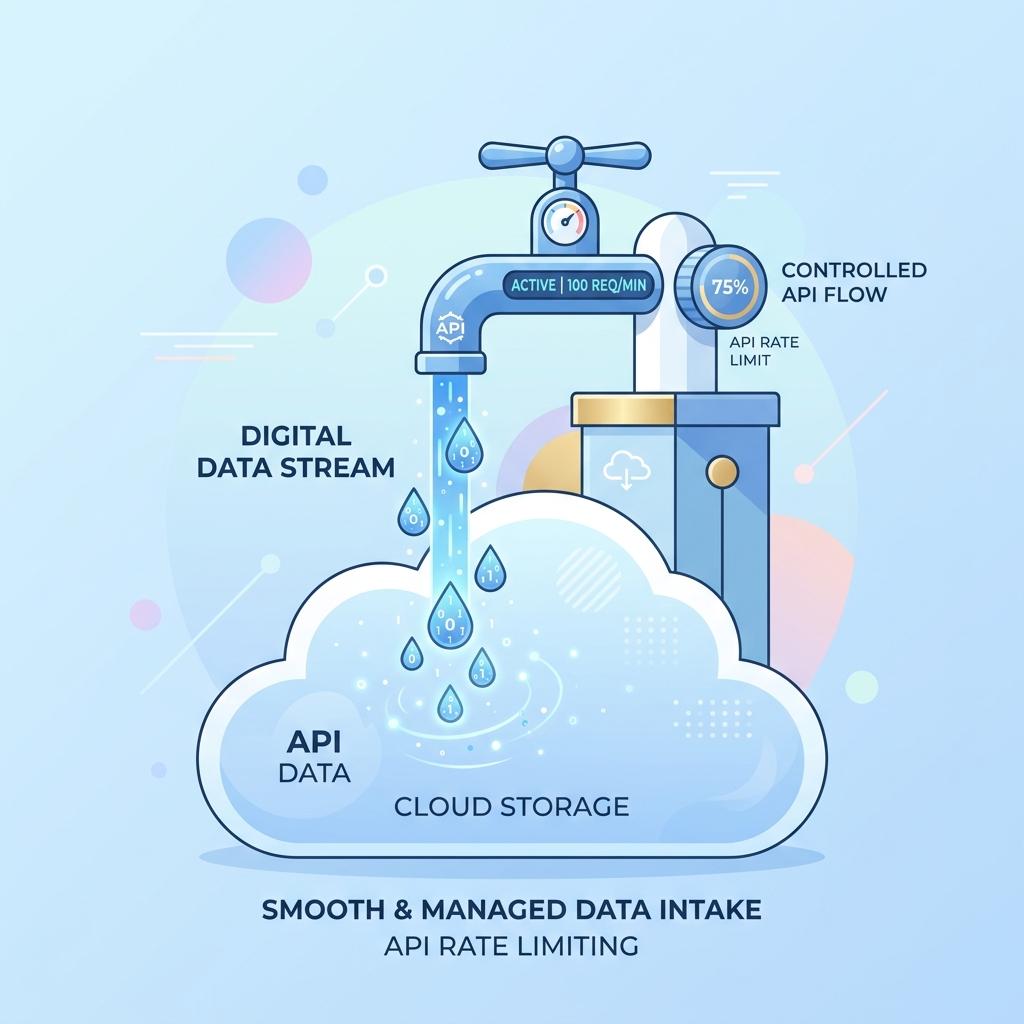
The Resource Exhaustion Loop
Symptom Log
rate_limit_applied.http
HTTP/1.1 429 Too Many Requests
X-RateLimit-Limit: 1000
X-RateLimit-Remaining: 0
Retry-After: 60
# INFO: Defense active. Core system remains healthy.
Without proper rate limiting, a single abusive client or a misconfigured script can consume your entire server thread-pool. To the outside world, your API looks 'DOWN' because it's too busy responding to one person.
Effective monitoring tracks the ratio of 200 OKs to 429 Too Many Requests. If your 429 rate spikes, it means your rate limiter is protecting the system, but you might need to scale up.
Dynamic Throttling
Configure Watch.dog Webhooks to inform your API Gateway (like Kong or NGINX) to tighten rate limits automatically when a global latency spike is detected.
Fix Verification
api_shield_log.sh
[INFO] Watch.dog: P99 latency > 2s.
[ACTION] Triggering API Shield Skill: Global Rate Limit -> -50%.
[INFO] Capacity released. Internal CPU: 85% -> 40%.
[SUCCESS] Critical business traffic prioritized.
Tiered API Access
Use Watch.dog to monitor the performance of different API tiers (Free vs Paid). Ensure that your 'Free' tier users aren't causing slowness for your 'Enterprise' customers.
Rate Limiting Strategies
| Method | Best for... | Complexity |
|---|---|---|
| Fixed Window | Simple quotas | Low |
| Token Bucket | Allowing small bursts | Medium |
| Leaky Bucket | Smoothing traffic flow | Medium |
| Dynamic Throttling | Protecting Uptime | High (Elite) |
In a world of APIs, 'No' is sometimes the best answer for reliability.