UptimeRobot vs Watch.dog: Why Contextual Alerting Wins
Compare the alerting capabilities of UptimeRobot and Watch.dog. See why integrated logs, regional data, and interactive Slack buttons make Watch.dog the superior and more professional choice.
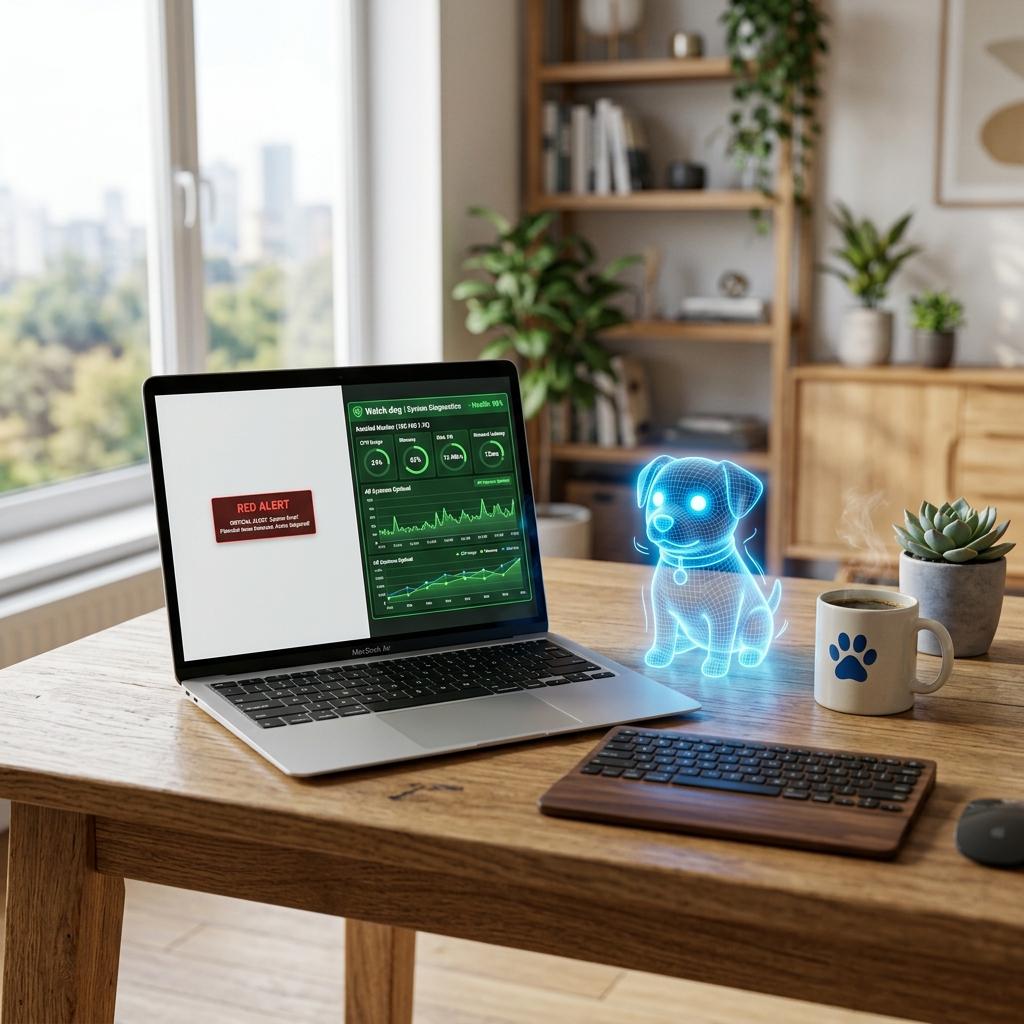
The Context Gap
UptimeRobot: API_Prod is DOWN. Duration: 1m.In UptimeRobot, you receive an alert that says 'Monitor Down (HTTP 500)'. You then have to log into your cloud provider, find the right cluster, and search through logs to understand the failure.
In Watch.dog, the alert *is* the starting point of the investigation. We include the exact error log snippet that caused the failure directly in your notification.
The Rich Diagnostic
[WATCH.DOG] CRITICAL: API_Prod is DOWN.
[REASON] Handshake Timeout with RDS.
[LOGS] java.sql.SQLTransientConnectionException: Connection is not available.
[BUTTON: VIEW TRACE] [BUTTON: RESTART DB]
Flexible Escalation
UptimeRobot's escalation is linear. Watch.dog's escalation is 'Smart'—we can automatically escalate from Slack to Voice Call if the error rate increases or if the incident affects high-value enterprise regions.
Alerting Feature Comparison
| Capability | UptimeRobot | Watch.dog Level |
|---|---|---|
| Rich Log Injection | Check (Native) | |
| Custom Webhook Payloads | Limited | Full JSON Control |
| Escalation Levels | Simple | Multi-stage Conditional |
| Incident Attachments | None | Logs, Screenshots, Traces |